


The best backup cameras for trucks are the ones that blend high-resolution video with a wide viewing angle and tough-as-nails weatherproofing. You've got options like the OEM-style tailgate handle cameras that look like they came straight from the factory, or versatile license plate mounts that fit just about anything.
Why a Quality Backup Camera Is Essential for Your Truck
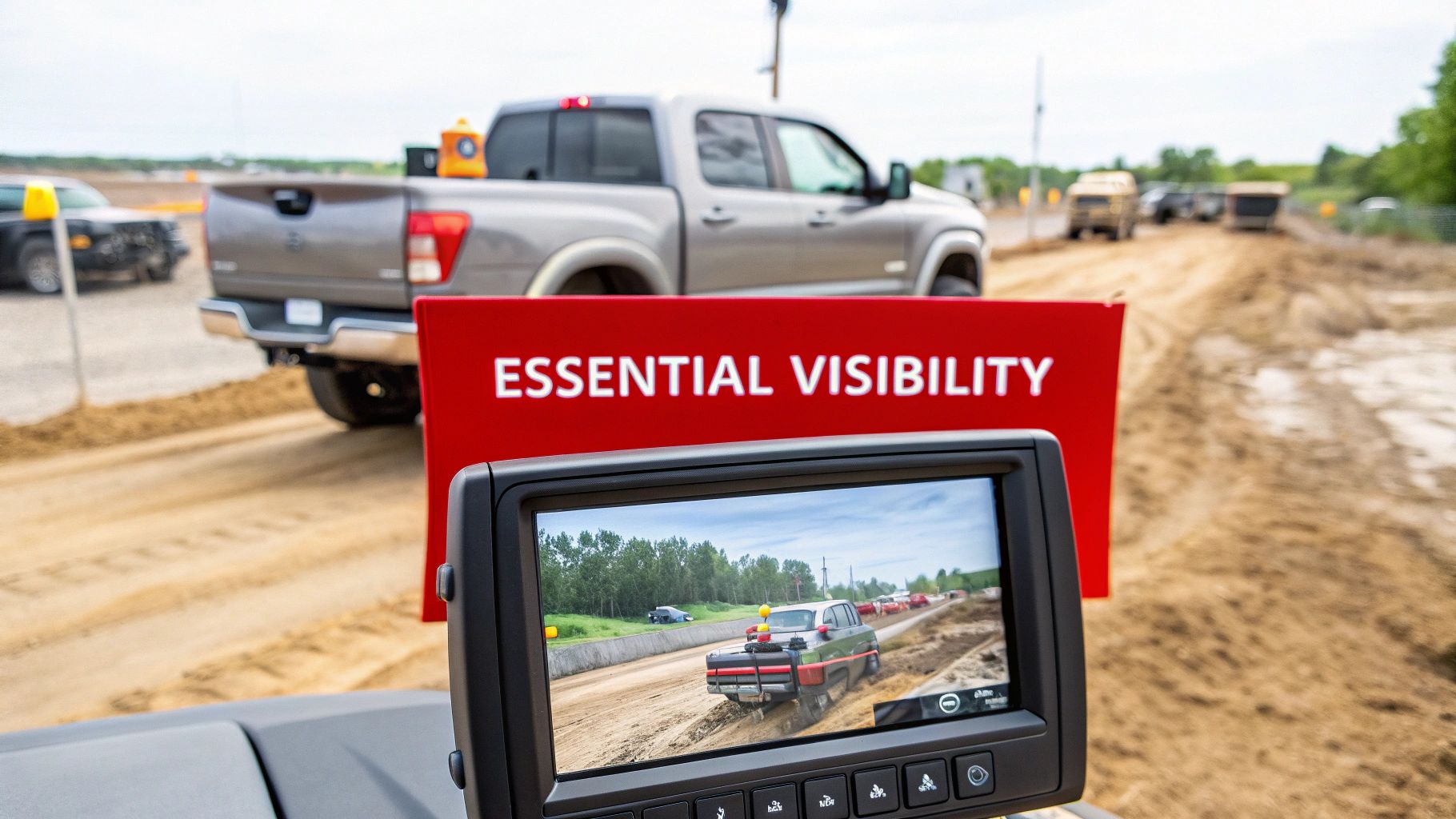
Anyone who’s driven a truck knows the deal—big vehicle, bigger blind spots. Whether you’re in a standard pickup or a commercial flatbed, that huge zone right behind your bumper is a real problem. It’s where pedestrians, small cars, or job site debris can disappear completely, making a simple reverse a gamble.
That's why a quality backup camera isn't just a cool gadget; it's a critical piece of safety gear. It gives you the confidence to navigate crowded parking lots, busy work sites, and tight driveways without guessing what’s behind you. The benefits go way beyond just preventing accidents; it makes a dozen daily tasks quicker and easier.
Erasing Dangerous Blind Spots
The high ride height and long bed of a truck create a massive blind spot that your mirrors can't touch. A backup camera gives you eyes directly behind your bumper, wiping that hazardous zone off the map. This kind of visibility is a game-changer for a few key reasons:
- Protecting Vulnerable Road Users: It helps you spot kids, pets, and cyclists who are completely hidden from your mirrors.
- Preventing Low-Speed Collisions: We’ve all heard horror stories about back-over incidents in driveways and parking lots. A camera is your best defense.
- Simplifying Complex Maneuvers: Backing into a tight loading dock or through a cluttered construction site suddenly becomes a lot less stressful.
It’s no surprise that the demand for these systems has exploded. In 2024, the global automotive backup camera market hit a value of USD 2.95 billion, pushed by new safety rules and smart consumers. North America is a huge part of that, making up 36.7% of the market, which shows just how much we prioritize vehicle safety tech over here.
A good backup camera system is one of the smartest, most cost-effective safety upgrades you can make. It cuts down on the risk of bumper damage, insurance headaches, and—most importantly—tragic accidents.
Streamlining Towing and Daily Tasks
Beyond just backing up safely, a camera makes practical jobs way easier. If you've ever tried to hook up a trailer by yourself, you know the frustrating dance of getting in and out of the cab. A camera turns aligning the hitch ball into a quick, one-person job, saving you time and sparing your bumper.
And if you're thinking about your truck's overall safety net, it's worth knowing how all the systems work together. For instance, you might also be interested in what to do when your parking sensor is not working.
Breaking Down the Key Specs of a Truck Backup Camera
When you're looking for the right backup camera for your truck, the spec sheet can look like a foreign language. But understanding what those numbers actually mean in the real world is the key to picking a camera that’s a genuine tool, not just a gadget. For a truck, every little detail matters—from the height of your cab to the length of your bed.
Let's cut through the jargon and focus on what really counts. This isn't just about seeing what's behind you; it's about seeing it clearly, whether it's day or night, rain or shine.
Resolution: The Foundation of Clarity
The single most important spec to look at is resolution. What might be passable for a compact car just won't cut it for a truck. From your higher vantage point, a standard definition (480p) camera can make it tough to spot small but critical obstacles like a misplaced tool, a low curb, or debris on the ground.
You should be looking for a camera with at least 720p HD resolution, but 1080p Full HD is really the gold standard. That extra detail from a 1080p sensor lets you judge distances with real confidence and spot potential hazards much sooner, especially if you're using a larger, high-resolution monitor in the cab.
A higher resolution isn't just a luxury for a truck; it's a fundamental safety feature. The ability to see sharp details from a distance can be the difference between a near miss and a costly mistake.
This demand for better imaging is pushing the whole industry forward. In fact, the global automotive backup camera market is expected to grow from an estimated USD 330.14 million in 2025 to USD 484.01 million by 2035. This boom is fueled by exactly these kinds of advancements—high-resolution sensors and wider lenses becoming the norm. If you're curious, you can explore more on the future of backup camera technology and its market trends.
Viewing Angle: Seeing the Whole Picture
Right after resolution, you need to check the viewing angle. This is measured in degrees and tells you how wide a scene the camera can capture. A narrow view might show you what's right behind your hitch, but it’s blind to a car or a kid on a bike approaching from the side.
For a truck, a wide viewing angle is non-negotiable for true situational awareness.
- Standard Angle (120-140 degrees): This is the baseline. It gives you a decent view of what’s immediately behind the tailgate.
- Wide Angle (150-170 degrees): This is the sweet spot for most trucks. It’s wide enough to help you see cross-traffic when backing out of a tight parking spot, which is a game-changer.
- Ultra-Wide Angle (180+ degrees): These "fisheye" lenses show a massive area, but they often distort the image at the edges. That can make judging distance and speed a little tricky.
A 170-degree viewing angle usually hits the perfect balance, giving you that expansive coverage without turning the image into a warped funhouse mirror.
Durability and Weatherproofing: Built for a Tough Job
Trucks don't get babied. They work in mud, rain, snow, and get blasted at the car wash. Your backup camera has to be tough enough to handle it all. Its durability is summed up by its Ingress Protection (IP) rating.
An IP rating has two numbers. The first tells you how well it’s sealed against solids like dust, and the second rates its protection against liquids.
- IP67: This means the camera is totally dust-tight and can survive being submerged in a meter of water for 30 minutes. For most trucks that stick to the pavement, this is a great starting point.
- IP68: This offers the same dust protection but can handle being underwater for longer and in deeper water.
- IP69K: This is the top dog of durability ratings. It’s built to withstand close-range, high-pressure, high-temperature water jets. If you have a work truck that’s constantly getting power-washed or caked in mud, this is the rating you want.
For the vast majority of truck owners, an IP67 or IP68 rating is plenty. But if your truck is a serious workhorse or off-road beast, spending a little more for an IP69K camera is a smart investment in its longevity.
Low-Light Performance and Night Vision
The work doesn't stop when the sun goes down, and your camera can't either. Great low-light performance is crucial for staying safe in the early morning, late at night, or in dimly lit spots like loading docks and campsites.
Cameras tackle darkness in two main ways:
- High-Sensitivity Sensors: Good quality CMOS or CCD sensors are designed to soak up as much light as possible. They can often produce a surprisingly clear and bright color image using just the ambient light from your reverse lights.
- Infrared (IR) LEDs: These little LEDs usually circle the camera lens. They flood the area behind you with infrared light—invisible to our eyes, but perfectly visible to the camera. This gives you a crisp black-and-white picture even in pitch-black conditions.
When you're shopping, look for models that specifically mention their low-light capabilities or the number of IR LEDs they have. A camera with solid night vision means you can back up and maneuver safely no matter the lighting, taking all the guesswork out of it.
To simplify these critical specs, here's a quick reference table breaking down what you should be looking for and why it’s so important for a truck.
Key Backup Camera Specifications for Trucks
| Feature | What to Look For | Why It Matters for Trucks |
|---|---|---|
| Resolution | 720p HD (minimum), 1080p Full HD (recommended) | From a higher mounting point, HD resolution is essential for spotting small ground-level obstacles and accurately judging distances. |
| Viewing Angle | 150-170 degrees | Provides a wide field of view to see cross-traffic and blind spots, crucial for maneuvering a larger vehicle in tight spaces. |
| IP Rating | IP67 (good), IP68 (better), IP69K (best for heavy-duty) | Ensures the camera withstands harsh weather, mud, and high-pressure washing, protecting your investment from the elements. |
| Night Vision | High-sensitivity sensor and/or multiple Infrared (IR) LEDs | Guarantees a clear view in complete darkness or low-light conditions, which is vital for safe operation at night or in poorly lit areas. |
Ultimately, matching these specifications to how you actually use your truck is what matters. A daily driver has different needs than a commercial work truck, but getting these four core features right will ensure you end up with a system you can rely on every time you put it in reverse.
Comparing the Best Backup Camera Systems for Trucks
Picking the right backup camera for your truck isn't a one-size-fits-all deal. The best system for you really hinges on how you use your truck day-to-day. A camera setup that’s perfect for navigating city traffic might not cut it for someone hauling a fifth-wheel or hitting rugged trails on the weekend.
Let's break down the top camera systems by how they perform in the real world. We'll look at the clean, factory look of tailgate handle cameras and compare them to the sheer flexibility you get from license plate and bracket-mounted options. The goal is to help you land on the right choice based on performance, toughness, and how easy it is to live with.
To get started, here’s a quick visual guide that connects common truck tasks to the camera features you should be looking for.
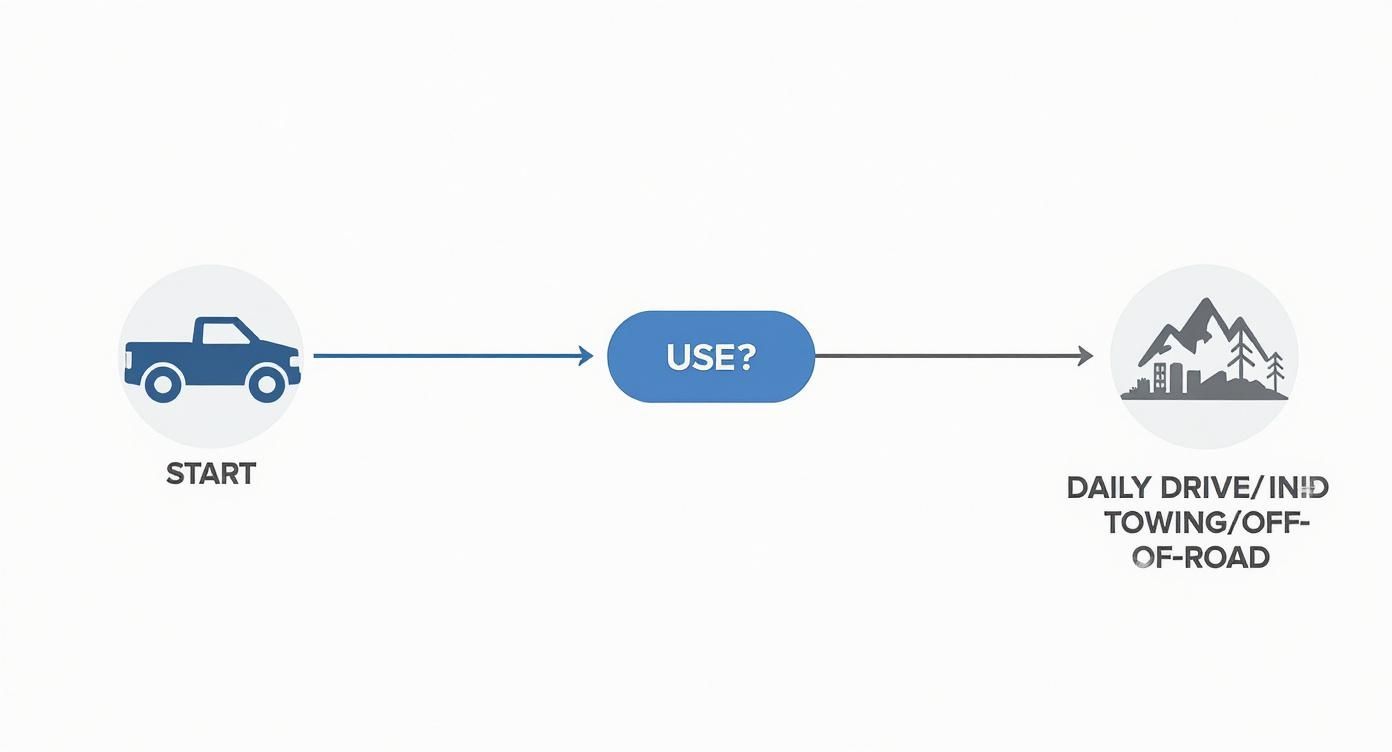
As you can see, daily driving often comes down to convenience and looks. But once you get into specialized jobs like towing or off-roading, you need to prioritize tougher features like multi-camera inputs and serious durability.
Best Overall for Daily Driving and General Use
If your truck pulls double duty as a daily commuter and a weekend warrior, the OEM-style tailgate handle camera is tough to beat. These cameras are built right into a new tailgate handle, replacing your old one to create a seamless, factory-finish look.
The biggest draw here is aesthetics. The camera is tucked away, preserving the clean, original lines of your truck. There are no clunky aftermarket parts bolted to your bumper, which is a huge plus for anyone who wants to maintain that stock appearance.
From a functional standpoint, the high, centered mounting position gives you a commanding view for everyday reversing. It's perfect for squeezing into tight parking spots at the grocery store or backing into your driveway at home, giving you a clear picture of cars and other low-slung obstacles.
The only real trade-off is with that fixed position. Because the camera sits high up, it’s not great for lining up a trailer hitch. You just can't see the tow ball and hitch with the precision you need. So, while it's a fantastic all-rounder for safety, it's a compromise for frequent towing.
Best for Heavy-Duty Towing and Hauling
When your truck is a dedicated workhorse for pulling trailers, campers, or heavy equipment, a single tailgate camera simply won't do. For these jobs, the best setup is a multi-camera wired system that gives you eyes all around your rig.
A typical towing setup includes:
- A main camera on the tailgate or bumper for getting hitched up.
- One or more cameras on the back of the trailer so you can see what’s behind you.
- Optional side-view cameras under your mirrors to kill those massive blind spots when changing lanes.
The game-changing advantage is wiping out the huge blind spot your trailer creates. A hardwired connection is non-negotiable here; it ensures you get a stable, interference-free video feed, which is absolutely critical when you're trying to maneuver a long rig. Wireless systems are notorious for dropping signals over long distances or in areas with a lot of radio interference.
For anyone who tows regularly, being able to switch from a hitch view to a trailer-end view is a total game-changer for safety. It takes all the guesswork and stress out of backing a long trailer into a tight spot.
Now, the installation is definitely more involved. You’ll be running wires along the truck's frame and onto the trailer. But the payoff in safety and sheer convenience is massive, making it the hands-down winner for any serious towing. You can find a great selection of CAPA-certified park assist cameras at https://www.t1aauto.com/collections/park-assist-cameras that deliver the rock-solid reliability you need for these demanding jobs.
Most Durable for Off-Road and Worksite Use
Trucks that live on muddy trails, chaotic construction sites, or in nasty weather need a camera system that can take a beating. In these environments, durability is everything. The clear choice is a heavy-duty, bracket-mounted camera with an IP69K rating.
Unlike the integrated models, these are tough, standalone units usually housed in a solid metal casing. You can mount them almost anywhere—on the bumper, above the license plate, or even on a headache rack. This gives you the flexibility to place the camera where it's most protected but still gives you the view you need.
The IP69K rating is the key spec to look for. This means the camera isn't just waterproof; it can handle high-pressure, high-temperature water jets. You can blast mud, grime, and road salt off your truck with a power washer and not have to worry about frying the camera’s electronics.
These systems are all about function over form. They don't have the clean, seamless look of an OEM-style camera, but their rugged build ensures they’ll be there for you in conditions that would send lesser cameras to an early grave. For the off-roader or contractor, that kind of reliability is priceless.
Comparison Summary
| Camera Type | Best For | Key Advantage | Main Consideration |
|---|---|---|---|
| OEM Tailgate Handle | Daily Driving | Clean, factory-integrated appearance | Not ideal for precise trailer hitching |
| Multi-Camera Wired System | Heavy-Duty Towing | Complete visibility around truck & trailer | More complex and involved installation |
| Bracket-Mounted (IP69K) | Off-Road & Worksite | Extreme durability and flexible mounting | Less discreet, more industrial appearance |
Ultimately, the best backup camera for your truck is the one that fits your life. Think about what you do most—navigating the city, hauling heavy loads, or exploring the backcountry. That will lead you to a system with the right mix of visibility, durability, and convenience for your needs.
Wired vs. Wireless Cameras: What's the Right Call for Your Truck?
When you're ready to add a backup camera to your truck, one of the first big decisions you'll face is whether to go with a wired or wireless system. This isn't just a minor detail; it fundamentally changes the performance, reliability, and installation process. There's no single "best" answer—the right choice really comes down to what you expect from the camera and how you use your truck day-to-day.
A wired setup is the old-school, tried-and-true standard for a reason: reliability. It creates a direct, physical connection from the camera at the back of your truck to the monitor in your cab. That hard line is your guarantee against the signal drops and interference that can sometimes frustrate owners of wireless systems, especially in areas crowded with radio signals.
For anyone who's ever had a screen freeze at the worst possible moment, the appeal of a wired system is obvious. It just works, every single time you put the truck in reverse.
The Case for Wired Reliability
The biggest selling point for a wired backup camera is its rock-solid video feed. With the signal running through its own dedicated cable, it's shielded from interference from other electronics like your phone's Bluetooth, public Wi-Fi, or even other systems on nearby vehicles. The result is a clean, crisp image with virtually zero lag, or latency.
That near-instant video feed is absolutely critical for a truck. When you’re trying to maneuver a big rig into a tight spot, even a half-second delay between what the camera sees and what you see can be the difference between a clean park and a costly mistake.
Key Insight: For anyone relying on their truck for work—think commercial hauling, navigating busy job sites, or frequently pulling a trailer—the unwavering dependability of a wired system is non-negotiable. That peace of mind is worth the extra installation effort.
The market backs this up. In 2024, the global automotive backup camera market hit about USD 2.8 billion, with wired systems still leading the pack thanks to their performance and affordability. While wireless tech is improving, especially for commercial fleets, the fundamental need for a stable connection keeps wired cameras on top. You can explore the full breakdown of the backup camera market to see how these trends are evolving.
Of course, there's a trade-off: installation. Running a video cable from the tailgate all the way to the dash takes time and a bit of elbow grease. You'll likely need to drill a small hole or two and carefully route the wire along the truck's frame, making sure it's clear of the hot exhaust and any moving parts. For long-bed trucks or setups involving a trailer, the job gets even more involved.
The Convenience of Wireless Systems
On the other hand, wireless backup cameras are all about easy installation. By getting rid of that long video cable, they dramatically cut down on the time and hassle of getting set up. A typical wireless system just has two parts: the camera and its transmitter at the rear, and the monitor and its receiver up in the cab.
This plug-and-play approach is a game-changer in a few specific situations:
- Trailers and Fifth Wheels: A wireless camera makes adding a view to your trailer incredibly simple. You avoid the headache of plugging and unplugging cables every time you hitch up.
- Long-Bed Trucks and RVs: If you're driving an exceptionally long vehicle, a wireless system saves you from the nightmare of trying to snake a 50-foot video cable from end to end.
- DIY Simplicity: If you're not comfortable tearing into your truck's wiring, a wireless camera is a far more approachable project.
But that convenience can come at a cost. Wireless signals are open to interference, which can lead to a fuzzy picture, a flickering screen, or the signal dropping out entirely. The digital transmission also adds a tiny bit of latency. While it's often barely noticeable, it's not the instant, real-time feed you get from a wired system. Sticking with a high-quality digital wireless system will help reduce these issues, but the potential for interference is always there.
Getting Your Backup Camera Installed and Working Right
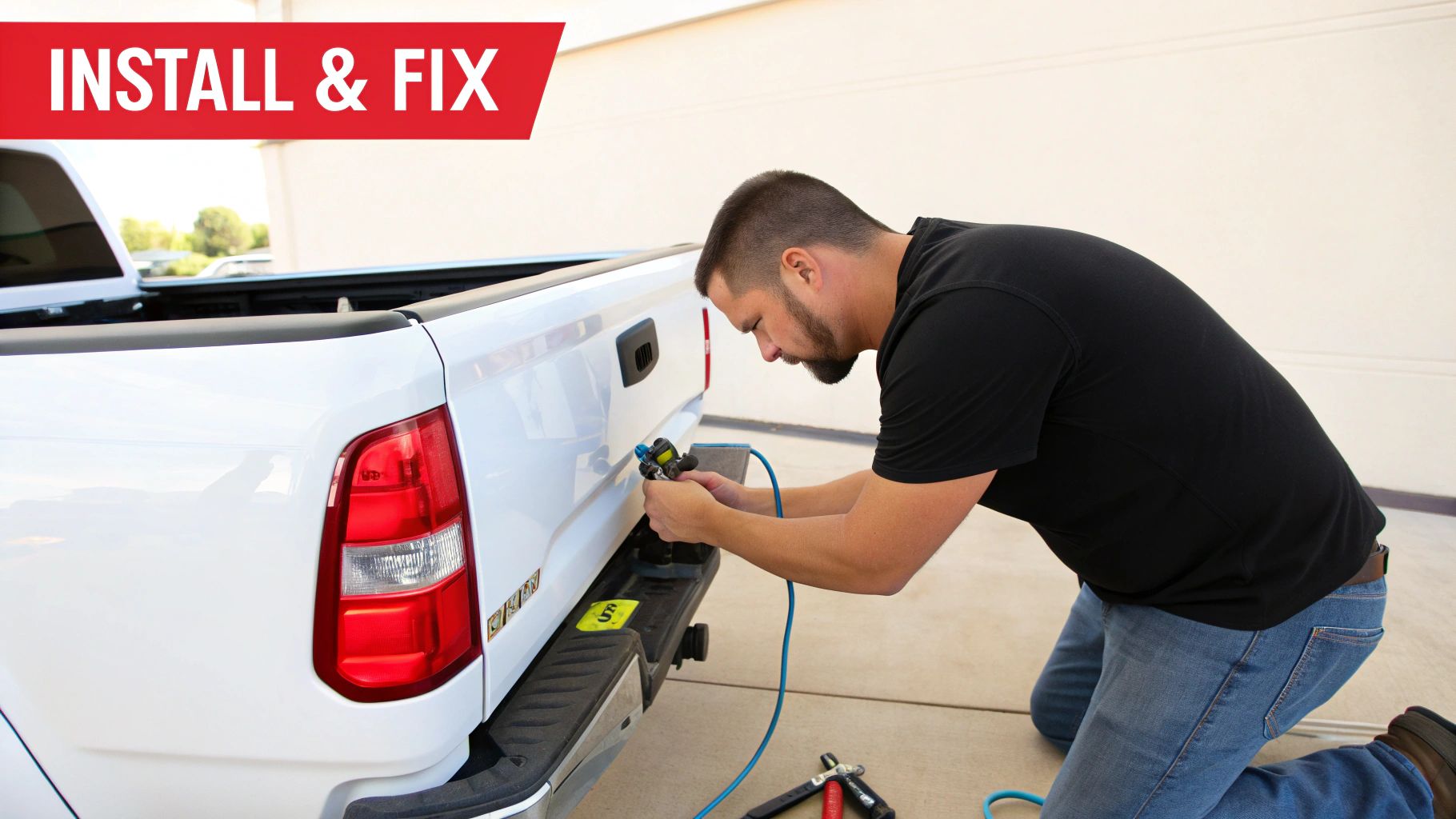
Putting a new backup camera on your truck is one of those weekend projects that pays off every single time you back into a tight spot. It's a huge boost to safety and convenience, and you don't have to be a master mechanic to get it done. Whether you're comfortable with wiring or just getting started, knowing the basic steps and what to do when things go wrong is the key to a clean install.
At its core, the job is pretty straightforward: mount the camera, run the wires, and hook it up to power and a screen. Of course, the specifics change depending on the camera you choose, but the general idea is always the same. If you want a full breakdown, our complete guide on how to install a backup camera covers everything in detail. You can find it right here: https://www.t1aauto.com/blogs/t1-auto-blogs/how-to-install-backup-camera
Key Installation Steps
First things first, you need to decide where the camera will live. If you've got an OEM-style tailgate handle camera, that decision is made for you. For license plate or bracket-mounted cameras, you’ll want to find a spot that’s centered, gives a clear view, and is tucked away from the worst of the road grime and potential impacts.
Running the wiring is where you'll spend most of your time. Take your time and do it right.
- Protect Your Wires: Route the cable along the truck's frame, using plenty of zip ties to keep it away from the hot exhaust and out of the way of moving suspension parts. You don't want anything rubbing or melting.
- Find a Way Inside: Before you grab a drill, hunt for a pre-existing rubber grommet on the firewall or floor. Passing the cable through one of these factory openings keeps things clean and weatherproof.
- Tap into Power: The easiest and most popular method is to connect the camera's power wire to your reverse light circuit. That way, the camera and screen only turn on when you shift into reverse. It's automatic and seamless.
Once inside the cab, connect the video cable to your display—whether that's a new head unit, a rearview mirror with a built-in screen, or a simple dash-mounted monitor. While it's for a different application, this guide to installing home security cameras has some great universal tips on wiring and placement that are surprisingly useful for vehicle setups.
Solving Common Backup Camera Problems
Even the most careful installation can hit a snag. Don't sweat it. Most backup camera issues are simple to diagnose and fix.
Problem 1: Flickering or No Signal
A screen that's flickering, black, or says "no signal" is almost always a connection problem. Start with the easy stuff.
- Check Your Plugs: Make sure the video cable is seated firmly at both the camera and the monitor ends. Sometimes they just wiggle loose.
- Confirm Power: Grab a multimeter and check the power line at the camera. With the truck in reverse, you should be seeing a steady 12 volts. If not, your connection to the reverse light is the issue.
- Inspect the Ground Wire: A bad ground is the secret villain behind countless electrical gremlins. The ground wire needs to be attached to a clean, unpainted spot on the truck's metal chassis.
A weak or flaky ground connection causes more weird electronic issues than anything else. Take a minute to sand the contact point down to bare metal—it will save you hours of headaches.
Problem 2: Reversed or Upside-Down Image
If you turn left and the truck on your screen turns right, you've got a mirrored image. This is usually an easy fix. Most cameras have a small wire loop you can snip to flip the image orientation from mirrored to standard. Check your camera's manual to be sure.
If the image is completely upside down, you might have mounted the camera itself at the wrong angle. If it can't be physically adjusted, dive into your monitor's settings menu. Many have an "image flip" or "rotate" option that can correct it digitally.
Problem 3: Poor Night Vision
When your night vision looks murky or doesn't seem to work at all, it's often a power or cleanliness issue. The camera's infrared (IR) LEDs need full power to light things up properly. If they aren't getting enough juice from a weak connection, they won't perform. Double-check your power and ground wires.
Also, don't overlook the obvious: a dirty lens. Even a thin layer of dust or road film can block the IR lights and kill your camera's low-light capability. A quick wipe with a microfiber cloth is often all it takes to bring the clear picture back.
Got Questions About Truck Backup Cameras? We’ve Got Answers.
Even after digging into all the details, you probably still have a few things on your mind. That’s perfectly normal. Here are some clear, no-nonsense answers to the questions we hear most often from truck owners trying to pick, install, and use a new backup camera.
Can I Put a Backup Camera on My Older Truck?
You absolutely can. Most aftermarket camera kits are built to be universal, meaning they’ll work on older trucks that never had a camera from the factory. The only real requirement is having somewhere to display the video feed, which is an easy problem to solve.
You’ve got a few solid options for a screen:
- A new rearview mirror that has a display built right into it.
- A small, standalone monitor that you can mount on your dash.
- An upgraded stereo head unit with a video input.
Getting power to the camera is usually straightforward. You just tap into the reverse light circuit. That simple trick is what tells the camera to turn on automatically the moment you shift into reverse, and it works on just about any truck, new or old.
Will Installing an Aftermarket Camera Mess Up My Truck’s Warranty?
This is a huge worry for a lot of owners, but you can relax. Generally, the answer is no. In the United States, consumer protection laws like the Magnuson-Moss Warranty Act are on your side. They prevent a dealer from voiding your entire vehicle warranty just because you installed an aftermarket part.
A manufacturer would have to prove that the camera you installed—or how you installed it—was the direct cause of the specific problem you're trying to get fixed under warranty. If your transmission fails, they can't blame your new camera.
The best way to protect yourself and your warranty is to do a clean, professional-quality installation. Follow the instructions, don’t take shortcuts, and make sure your new gear plays nicely with your truck’s original wiring.
What's the Real Difference Between CMOS and CCD Sensors?
CMOS and CCD are the two technologies used for the image sensor inside the camera. For a long time, CCD was the gold standard, especially for its ability to see in low light. But times have changed.
Modern CMOS (Complementary Metal-Oxide-Semiconductor) sensors have caught up and, in many ways, surpassed the old tech. The high-quality CMOS sensors you’ll find in most top-tier automotive cameras today deliver a fantastic picture, use less power, and cost less to make. For any real-world truck backup camera situation, a good CMOS sensor will give you a sharp, reliable view, day or night.
How Should I Clean and Maintain My Backup Camera?
A little bit of maintenance goes a long way in keeping your camera’s view crystal clear. It doesn’t take much for road grime, dust, or water spots to blur the lens and make it nearly useless, especially at night.
Just wipe the lens with a soft microfiber cloth every now and then. If you’ve got tougher gunk like dried mud or road salt caked on, a little bit of dedicated lens cleaner or isopropyl alcohol on the cloth will do the trick.
In the winter, always brush off any snow or ice before you head out. It’s also a good idea to occasionally peek at the wiring connections to make sure they’re still tight and free of corrosion, especially if you live where salt and moisture are a constant battle.
Do All Cameras Come With Parking Grid Lines?
Most do, but not all, and how they work can differ quite a bit. These lines are incredibly helpful for judging distance and lining up your truck when backing up.
Here’s what you’ll find:
- Fixed Guidelines: These are static lines overlaid on the video that don’t move. They give you a basic reference for your path.
- Active Guidelines: Fancier systems can tap into your truck’s steering sensor. The lines on the screen will actually bend and curve as you turn the wheel, showing you exactly where you’re headed.
- Switchable Lines: A lot of aftermarket cameras give you the choice. They often have a small wire loop you can cut to turn the guidelines off completely if you prefer a clean view.
Always double-check the product specs to see if a camera includes guidelines and whether they’re static or the more advanced active type.
If you're looking for a reliable, guaranteed-to-fit solution, check out the CAPA-certified park assist cameras from T1A Auto. Find the right camera for your exact truck and drive with more confidence. See the full collection at https://t1aauto.com.
